
Feature · Built for movers
Moving Tasks, Reminders and Follow-Up
Create operational and sales follow-up tied to the customer, move, owner, due date, and current workflow stage.
Inside Moverai
See the workflow in the real product.
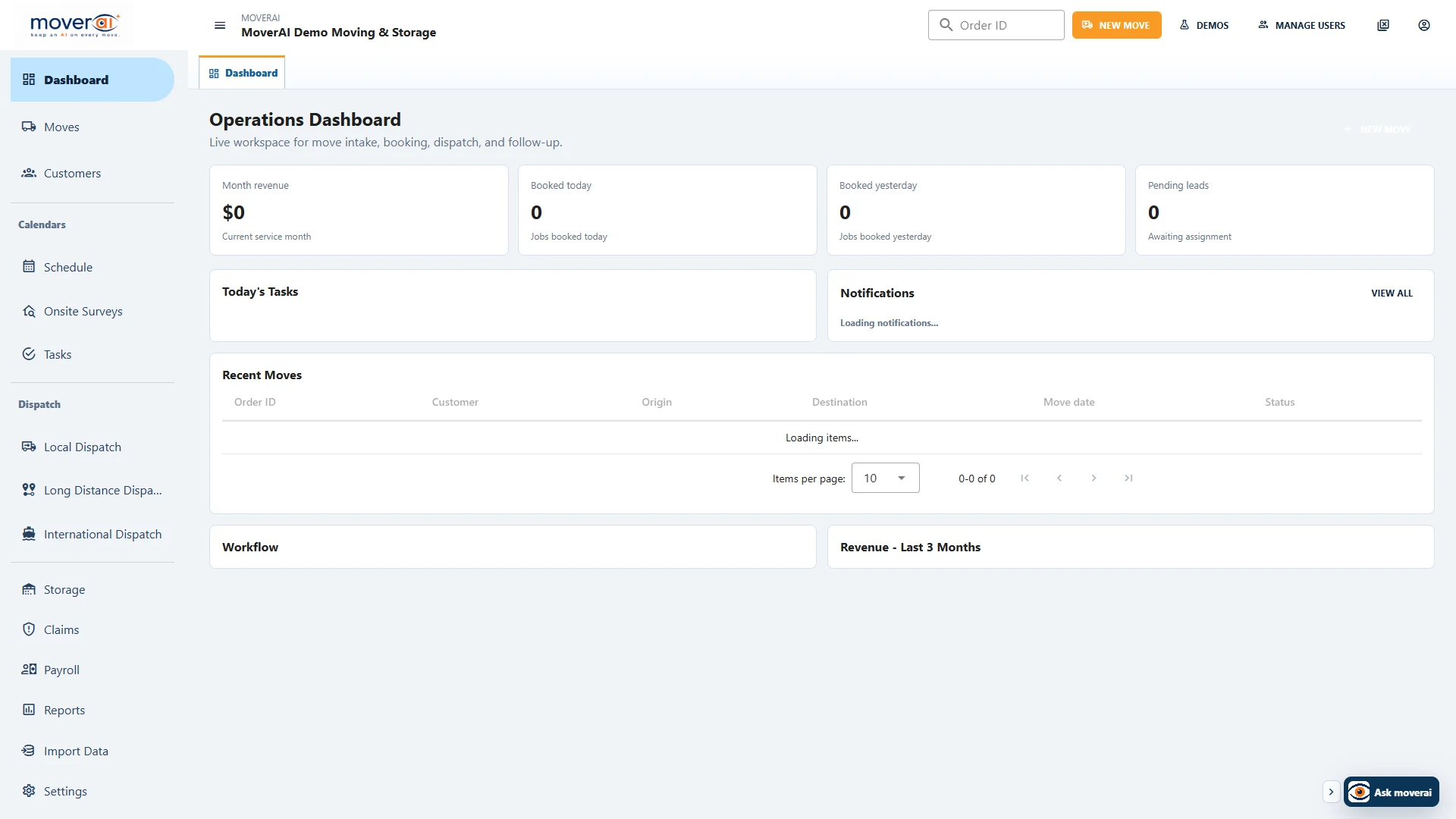
Moving Tasks, Reminders and Follow-Up inside the connected Moverai workflow.
Business outcomes
What changes for your team.
Keep reminders beside the work they affect
Assign ownership and due dates
Reduce follow-up hidden in personal notes
A realistic workflow
How moving teams use it.
A salesperson schedules estimate follow-up while operations receives a separate reminder for missing access information on the booked order.
Feature overview
What the feature supports.
A task beside its customer or job
Keep the purpose, owner and due date with the sales or operational record the reminder affects.
Separate responsibilities
Sales follow-up and missing operational information can have different owners without disappearing into personal notes.
How it works
Follow the workflow.
- 1. Create a contextual task
- 2. Assign the owner and due date
- 3. Review the underlying record
- 4. Complete or update the follow-up
What AI contributes
AI prepares the work.
AI can draft task context and identify missing information that needs follow-up.
Human review boundary
Your people make the decisions.
Staff chooses the owner, timing, communication, and final action.
Frequently asked questions
Questions about this workflow.
See the workflow
Explore the applicable Moverai demo.
See it in action
Explore Moverai in a live working environment.
No booking or sales call required. Choose a workflow and explore it immediately.