
Estimator App
Survey and estimate from the field.
Estimators get a dedicated, mobile-first workspace for assigned onsite and virtual surveys, route context, inventory capture, multi-photo documentation, service requirements, and estimate completion.
Field updates return directly to the office order.
A focused mobile workspace
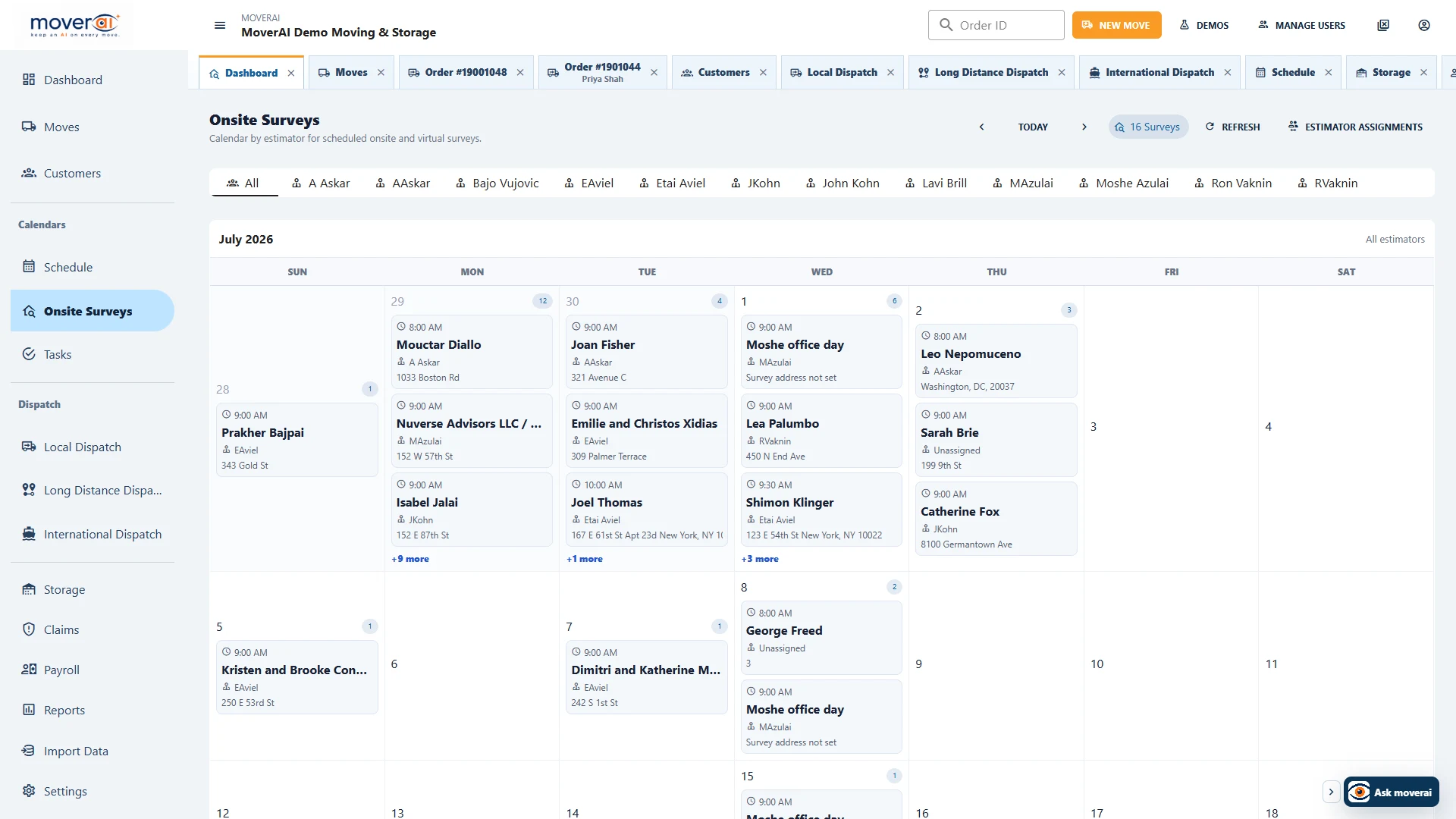
Field schedule
See assigned surveys, routes, and customers by day or month.
Estimators use a focused app to view their schedule, open onsite locations on a map, confirm appointments, update notes, and mark work complete.
- ✓Onsite and virtual survey indicators
- ✓Day agenda, monthly calendar, route address, time, and order link
- ✓Online/offline status with locally held pending field updates
Estimate workflow
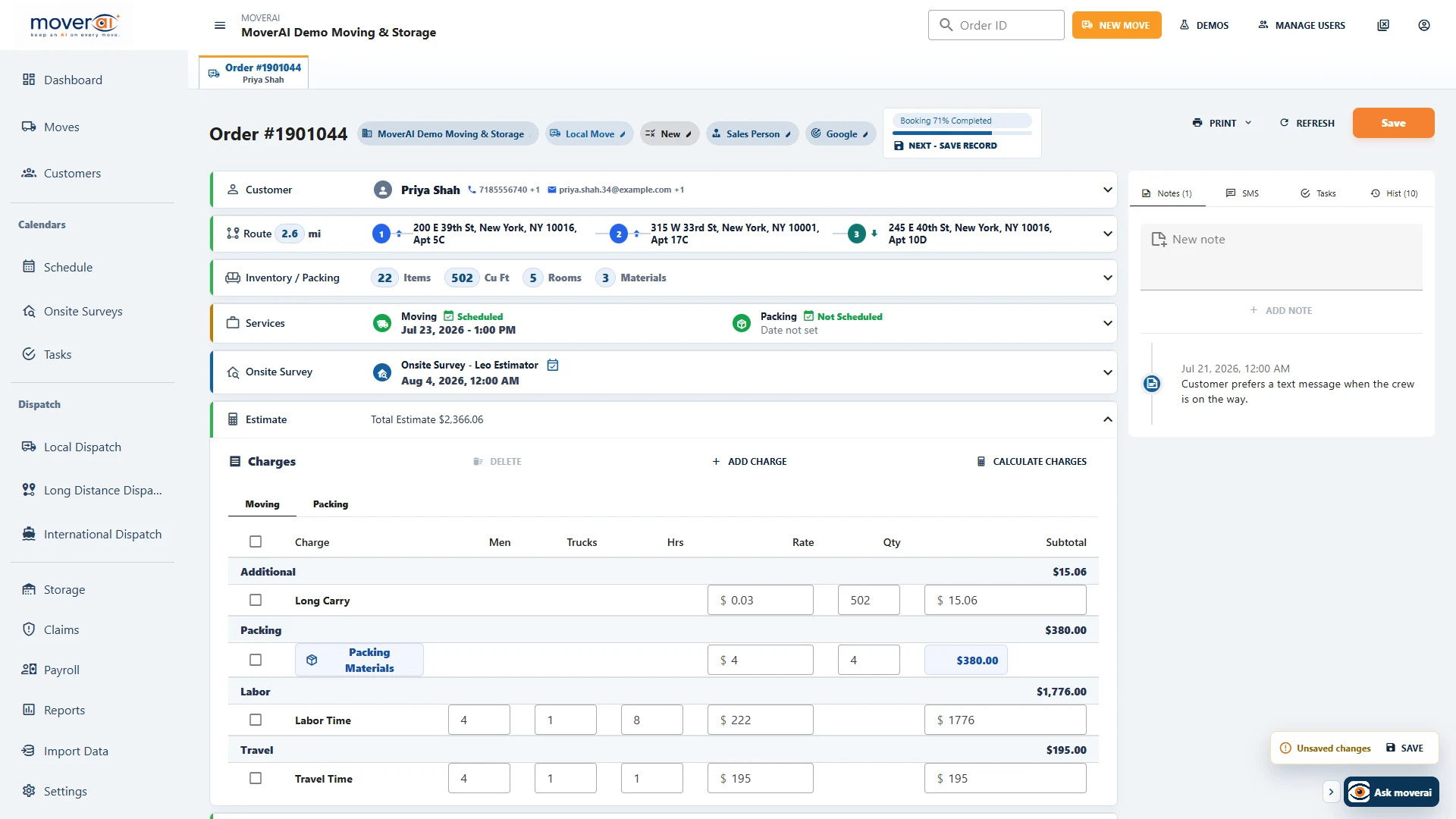
Work with the complete order from the field.
Opening an assignment loads the Moverai order through estimator-scoped APIs. The estimator can update the customer, route, services, inventory, estimate, and attachments with controls designed for mobile use.
- ✓Capture and review up to 12 photos in one mobile upload
- ✓Compact room inventory, move-size, and packing-material entry
- ✓Completed survey work returns to the office order immediately
Across the operation
Keep the work connected from one team to the next.
When inventory changes, estimating gets the new quantities. When a service is booked, dispatch gets the route legs. When a customer changes an address, the office gets an alert. When storage inventory moves out, Moverai creates a move request.
Teams spend less time copying information between systems or checking which version is current.
See it in action
Explore Moverai in a live working environment.
No booking or sales call required. Choose a workflow and explore it immediately.