
Solution · Built for movers
Warehouse Storage Management App for Moving Companies
Give warehouse teams a phone- and tablet-ready app for finding orders and physical inventory, scanning barcodes, capturing item photos, assigning warehouse locations, and moving selected items without losing their identity or history.
Inside Moverai
See the workflow in the real product.
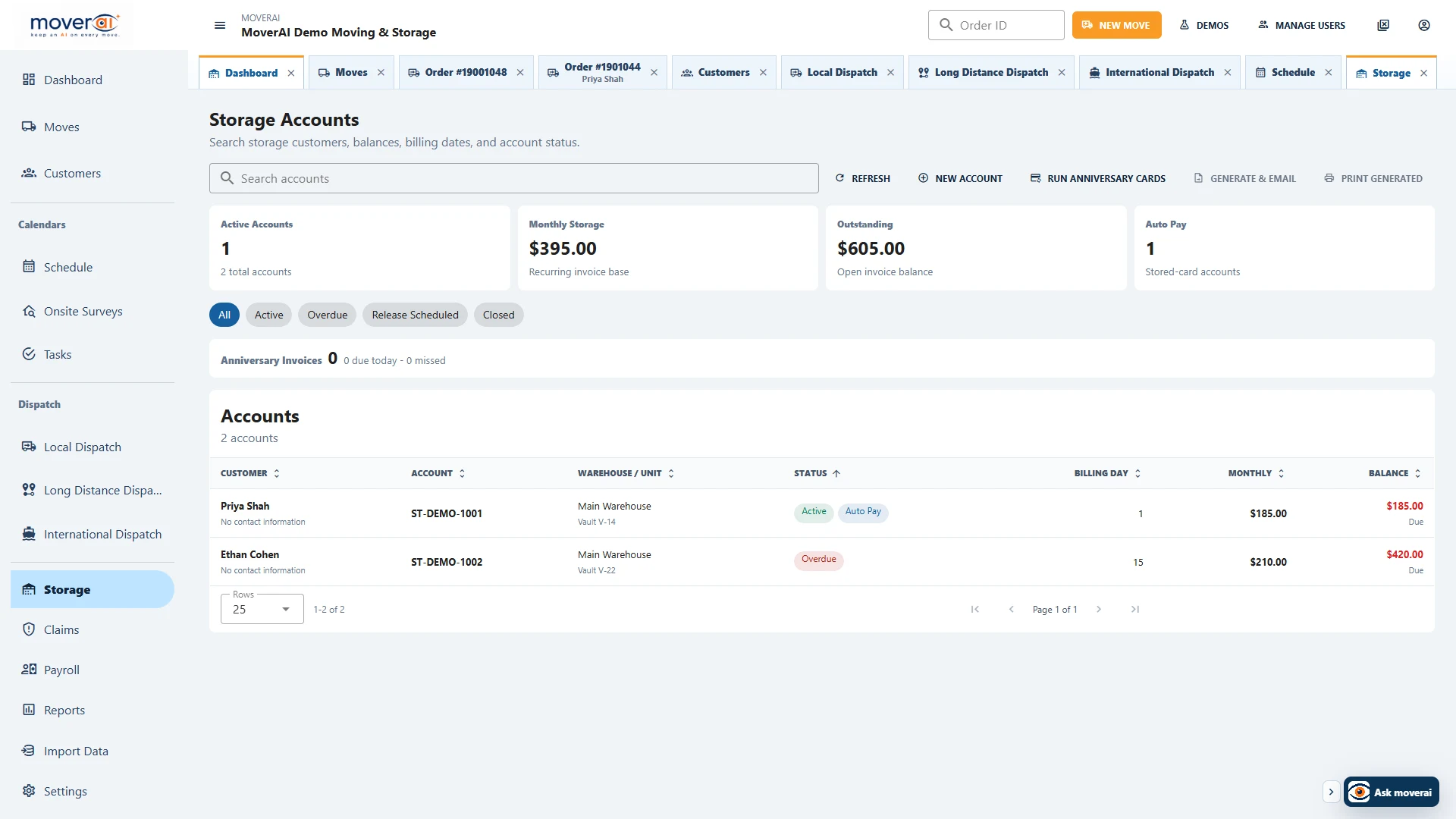
Warehouse teams can find, photograph, locate, and transfer physical inventory while every item stays connected to its customer and order.
Business outcomes
What changes for your team.
Find an order or physical item by order number, barcode, customer, or company
Keep photos, barcodes, container relationships, locations, and item history together
Move selected inventory within the warehouse or create a connected move-out order
Warehouse custody is different from storage billing
This page focuses on the Warehouse App: find the correct order, scan or add a physical piece, capture photos, assign a location and record transfers. Review the destination before confirming a movement.
For recurring charges, invoices, payment terms and the customer account lifecycle, use the moving-and-storage overview. Physical inventory and financial administration connect to the customer, but they are not the same action.
Feature overview
What the feature supports.
Fast order and item lookup
Find work by order number, item barcode, customer name, or company name. Inventory loads only after the warehouse user selects the correct order.
Physical inventory with identity
Each tracked item keeps a stable identity, barcode, photos, notes, parent or container relationship, warehouse, vault or room, and append-only movement history.
Camera and barcode workflows
Add physical items, scan item and location barcodes, take multiple photos, choose the cover image, and review full item details from a touch-friendly phone or tablet workspace.
Transfers and connected move-outs
Move one item or a selected group within the warehouse, to another configured location, to an existing destination order, or into a new customer move-out order without losing photos or history.
Shared Actual Inventory
Warehouse, Foreman, and office teams work with different views of the same physical tracking records instead of maintaining disconnected inventory copies.
Installable Warehouse PWA
Run the responsive Warehouse App in a browser or install it to a phone or tablet Home Screen for a focused field-ready experience.
How it works
Follow the workflow.
- 1. Find the customer order or scan an item barcode
- 2. Review physical items, photos, containers, and current locations
- 3. Add items, assign barcodes, and capture item photos
- 4. Select one or multiple items and choose the destination
- 5. Record a warehouse transfer or create a connected move-out order
Frequently asked questions
Questions about this workflow.
See the workflow
Explore the applicable Moverai demo.
See it in action
Explore Moverai in a live working environment.
No booking or sales call required. Choose a workflow and explore it immediately.