
Customer portal
Let customers take care of more—without calling the office.
Give every customer a secure place to review moves, manage addresses and inventory, request new moving or storage work, handle move-outs, and access invoices and payments—while Moverai keeps your office informed.
Customers can act on their own, and every request or update returns to your office with the customer and order context already attached.
Complete self-service with office visibility
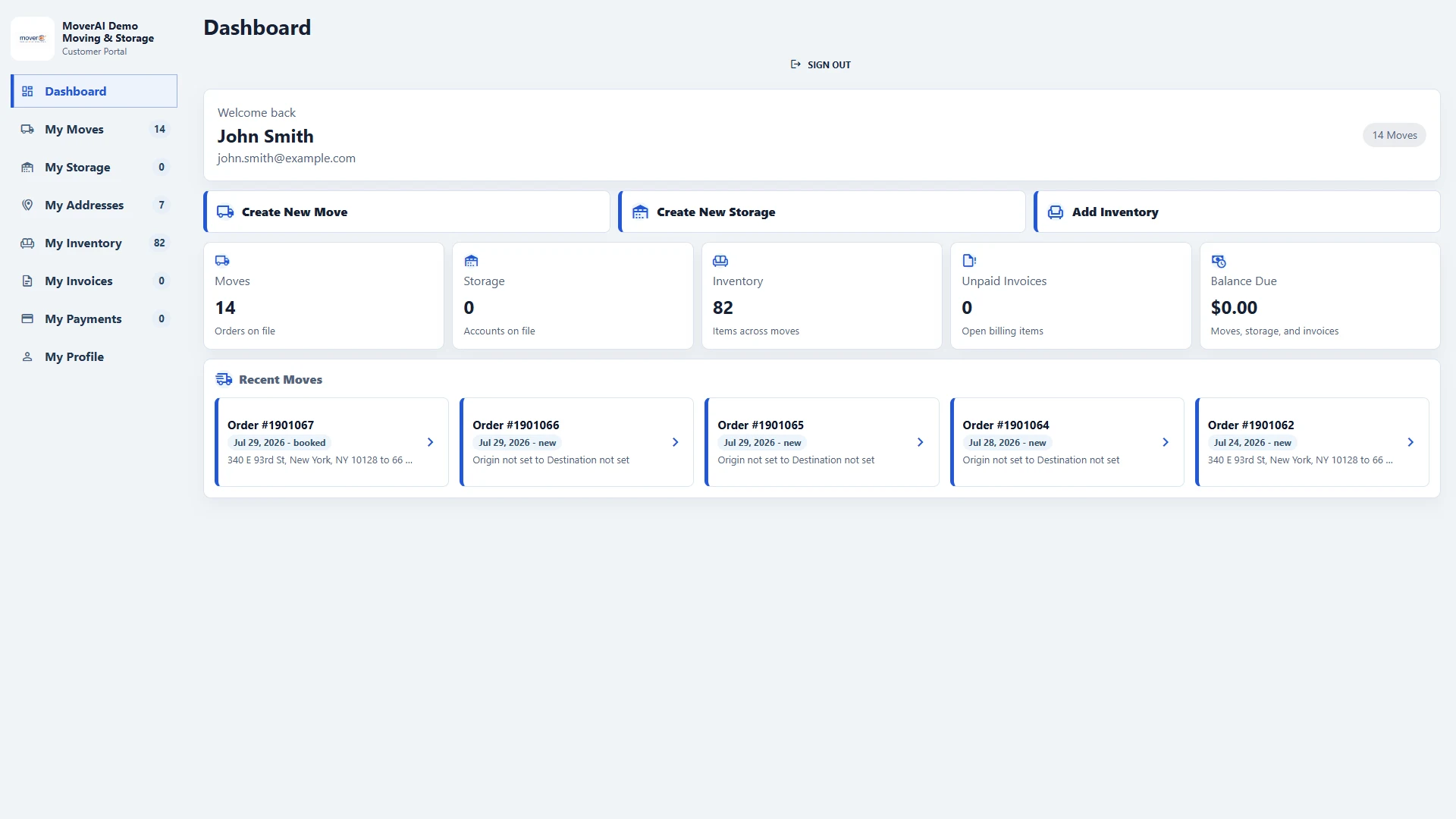
A real customer workspace
Moves, storage, addresses, inventory, invoices, and payments in one app.
Customers see a personal dashboard with their current and recent moves, stored inventory, addresses, balances, and the actions available to them. They can request a new move or storage service without waiting for the office to re-enter their information.
- ✓Dashboard, My Moves, My Storage, My Addresses, My Inventory, My Invoices, My Payments, and My Profile
- ✓Create new move and storage requests from the portal
- ✓Review and update move details through a focused order screen
Inventory and move-outs
Let customers organize inventory and request exactly what should move.
Inventory is grouped by address and keeps movement history. Customers can add standalone items, photos, dimensions, and comments, then select all or only part of a quantity for a new move or storage move-out.
- ✓Select individual items, multiple items, or partial quantities
- ✓Choose an existing destination or create a new address
- ✓Add date, time, and comments before submitting the move request
Secure access and office notifications
Give customers independence without losing control.
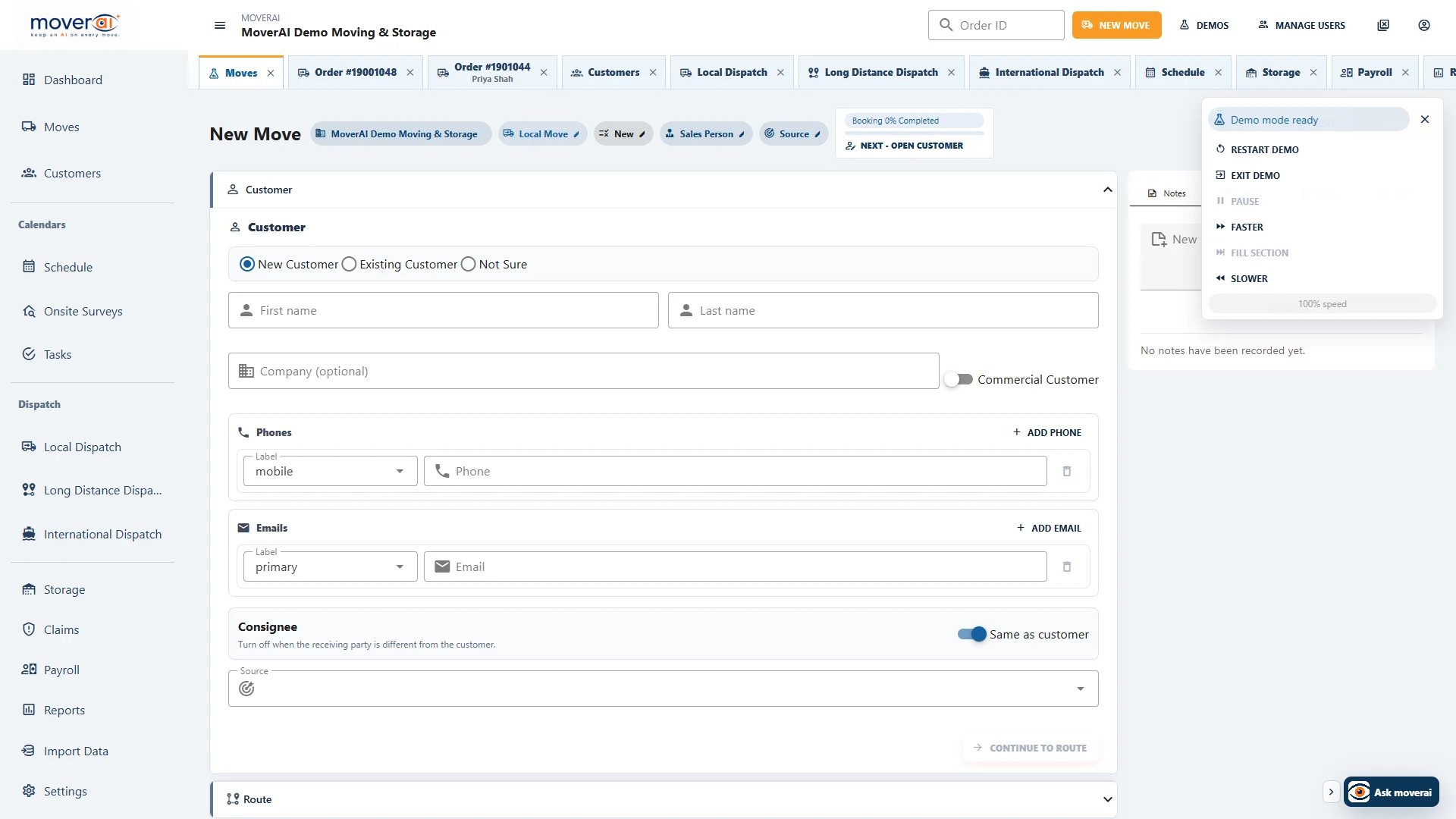
Customers can enter through authenticated accounts or secure 24-hour portal links with expiration-code renewal. When they update an order or create a request, Moverai sends the office an unread notification with a direct link to the relevant order.
- ✓Secure account access, password setup, and recovery
- ✓Customer-created work remains a request until the office converts it
- ✓Every customer action returns with useful customer and order context
Across the operation
Keep the work connected from one team to the next.
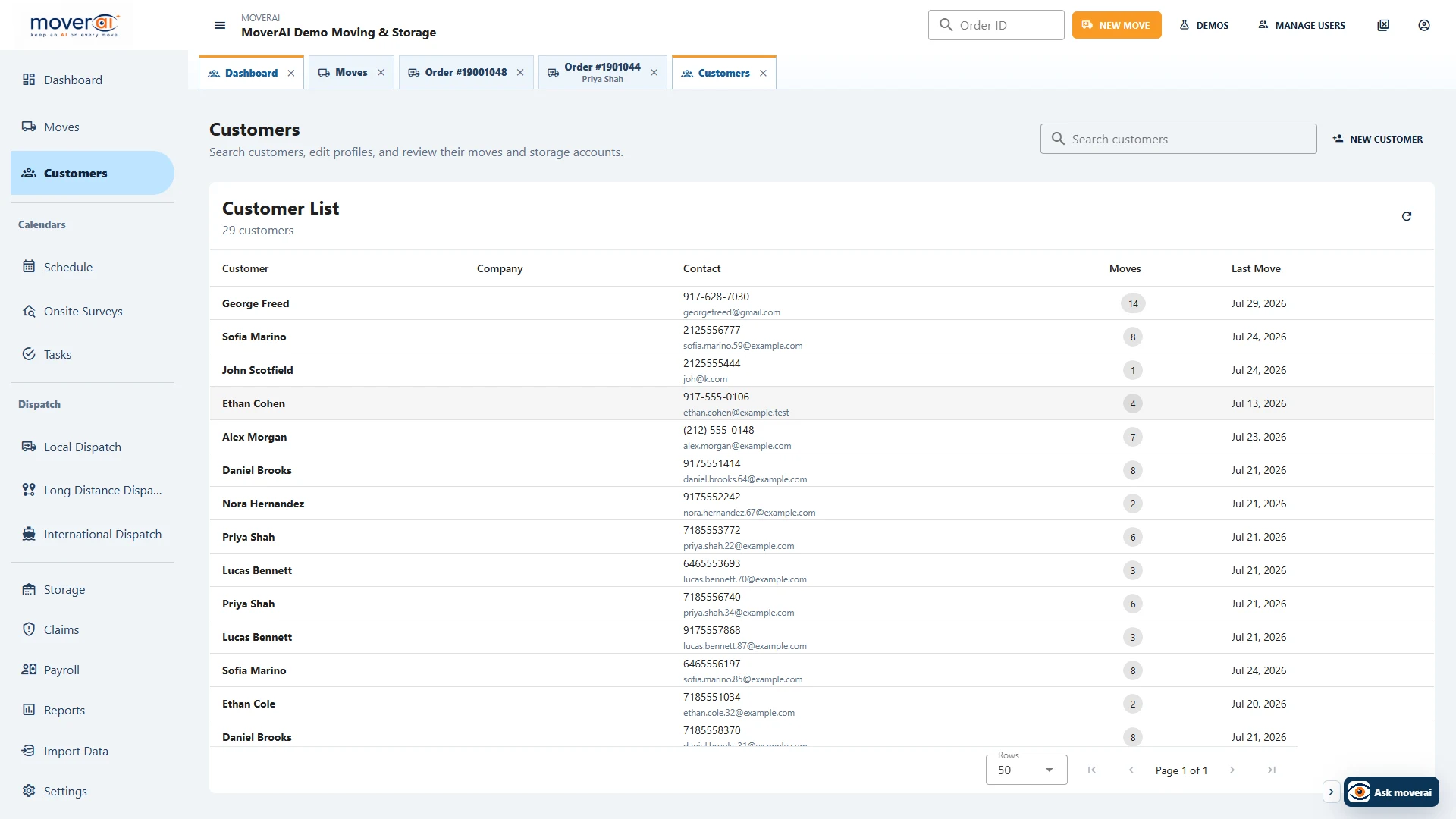
When inventory changes, estimating gets the new quantities. When a service is booked, dispatch gets the route legs. When a customer changes an address, the office gets an alert. When storage inventory moves out, Moverai creates a move request.
Teams spend less time copying information between systems or checking which version is current.
See it in action
Explore Moverai in a live working environment.
No booking or sales call required. Choose a workflow and explore it immediately.