
Feature · Built for movers
AI Reports for Moving Companies
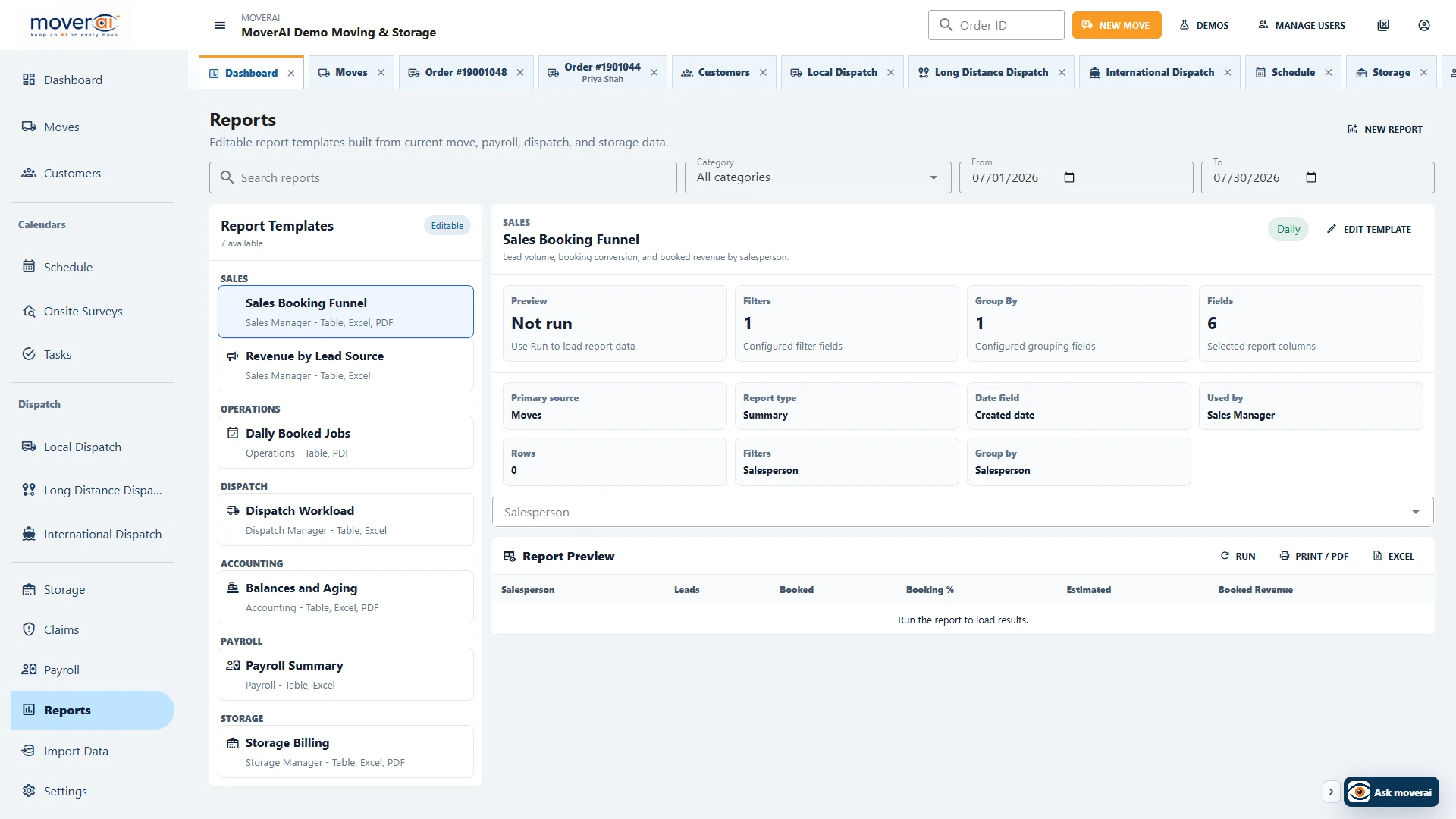
Describe the operational question in plain language, then review and refine the report source, fields, filters, grouping, summaries, and output.
Inside Moverai
See the workflow in the real product.
AI Reports for Moving Companies inside the connected Moverai workflow.
Business outcomes
What changes for your team.
Translate reporting intent into configuration
Report across operational and financial sources
Export reviewed results to PDF or Excel
A realistic workflow
How moving teams use it.
An owner asks for booked revenue by salesperson and month; Moverai prepares the configuration, and the owner verifies fields and filters before running it.
Feature overview
What the feature supports.
A question becomes report configuration
Describe a management question in ordinary language, then inspect the source, columns, filters, grouping and summaries prepared for it.
An editable reporting result
Change the configuration and check the output before using or exporting the report.
How it works
Follow the workflow.
- 1. Describe the reporting question
- 2. Inspect the proposed configuration
- 3. Validate dates and summaries
- 4. Run and export reviewed results
What AI contributes
AI prepares the work.
AI translates a plain-language question into an editable report configuration.
Human review boundary
Your people make the decisions.
The user validates data source, date field, filters, columns, grouping, and interpretation.
Frequently asked questions
Questions about this workflow.
See the workflow
Explore the applicable Moverai demo.
See it in action
Explore Moverai in a live working environment.
No booking or sales call required. Choose a workflow and explore it immediately.