
Feature · Built for movers
Moving Email, SMS and Operational Notifications
Keep customer and internal communication, delivery context, tasks, and notifications connected to the customer and move.
Inside Moverai
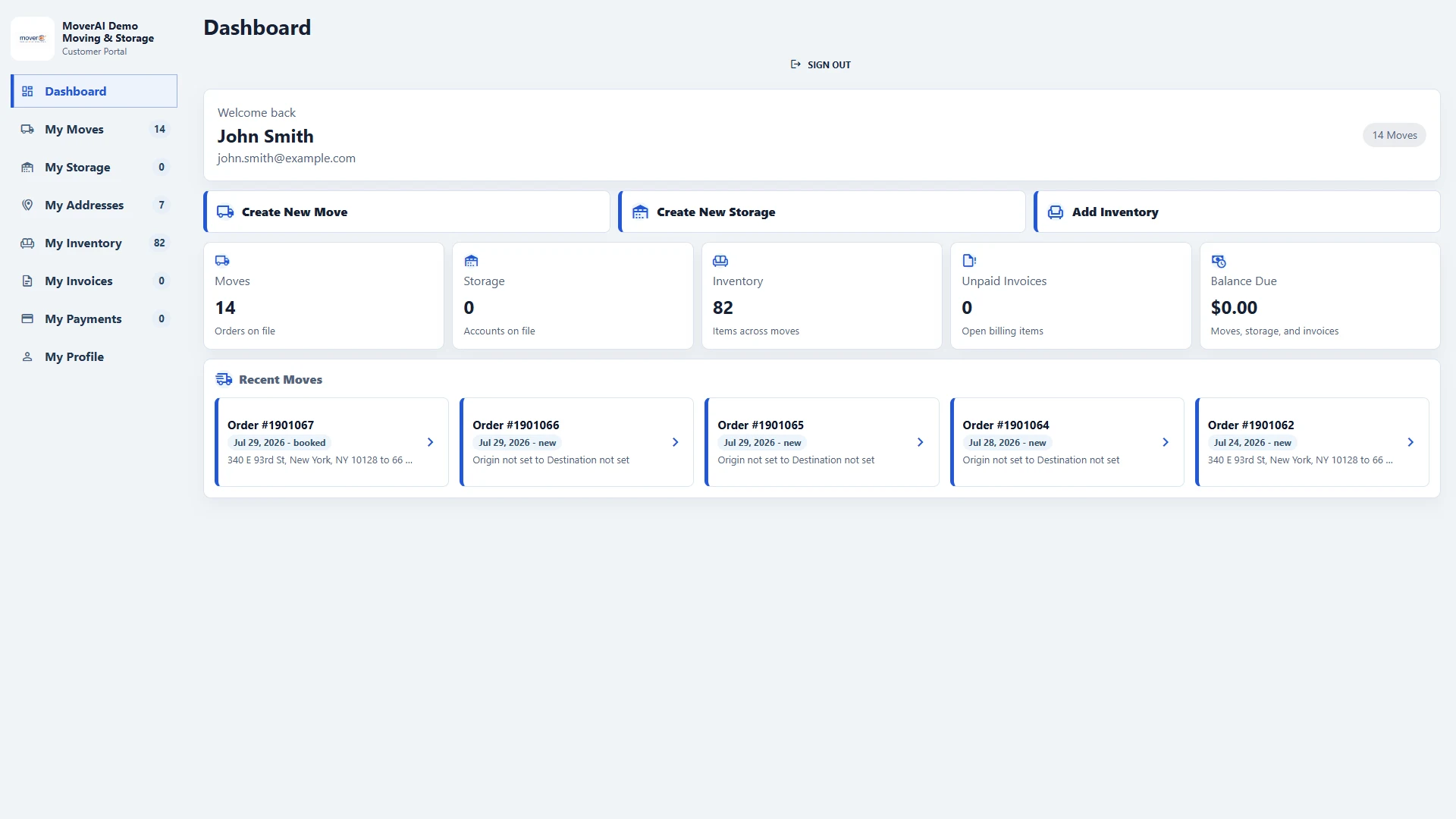
See the workflow in the real product.
Moving Email, SMS and Operational Notifications inside the connected Moverai workflow.
Business outcomes
What changes for your team.
Review communication in customer context
Notify teams when operational details change
Keep follow-up from becoming a separate record
A realistic workflow
How moving teams use it.
A customer updates an address through the portal; the office receives an alert on the same move before dispatch reviews the route.
Feature overview
What the feature supports.
Communication with customer context
Keep messages and activity with the customer or move so staff can review the relevant history before replying.
Operational updates for the office
Customer changes and service activity can create notification context for the team that needs to act.
How it works
Follow the workflow.
- 1. Review customer activity
- 2. Prepare the message or follow-up
- 3. Check recipient and sending rules
- 4. Review provider feedback
What AI contributes
AI prepares the work.
AI can prepare message drafts and summarize relevant move context.
Human review boundary
Your people make the decisions.
Staff approves recipients, content, timing, opt-in requirements, and customer commitments.
Frequently asked questions
Questions about this workflow.
See the workflow
Explore the applicable Moverai demo.
See it in action
Explore Moverai in a live working environment.
No booking or sales call required. Choose a workflow and explore it immediately.