
Feature · Built for movers
Moving Sales Follow-Up Automation With Human Control
Prepare timely follow-up from current lead, estimate, task, and communication context while keeping staff responsible for what is sent.
Inside Moverai
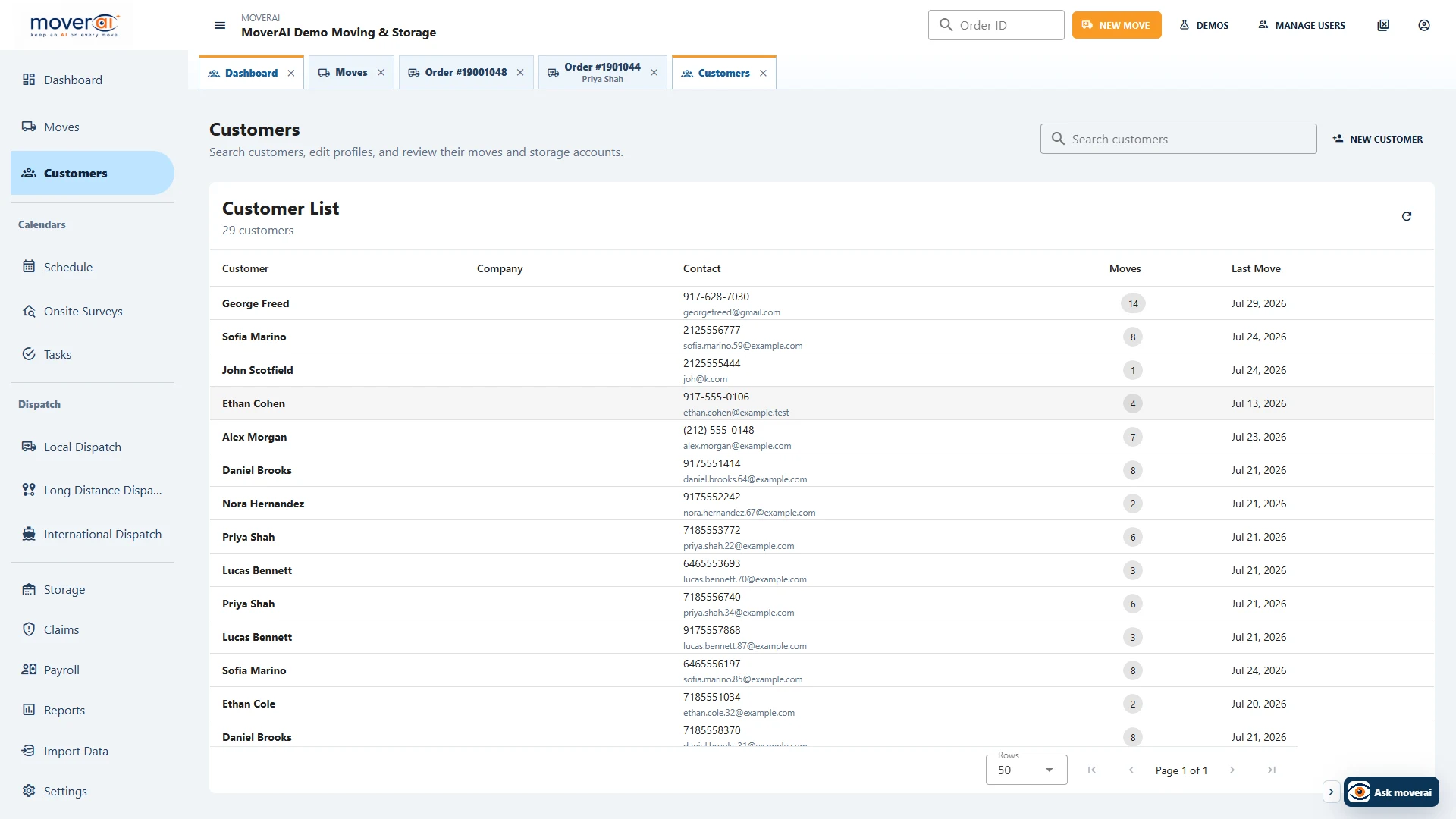
See the workflow in the real product.
Moving Sales Follow-Up Automation With Human Control inside the connected Moverai workflow.
Business outcomes
What changes for your team.
Keep follow-up connected to opportunity stage
Use current estimate and customer context
Avoid disconnected marketing records
A realistic workflow
How moving teams use it.
Moverai prepares a follow-up after an estimate remains undecided; the salesperson reviews the wording and chooses whether and when to send it.
Feature overview
What the feature supports.
Drafts using current sales context
Prepare follow-up around the active opportunity, estimate and previous communication rather than a disconnected marketing record.
Staff approval before sending
The salesperson reviews wording, recipients and timing before making a customer commitment.
How it works
Follow the workflow.
- 1. Review the opportunity stage
- 2. Prepare contextual follow-up
- 3. Approve recipient and wording
- 4. Record the next sales action
What AI contributes
AI prepares the work.
AI prepares contextual drafts and suggested next actions.
Human review boundary
Your people make the decisions.
A person approves recipients, wording, timing, pricing references, and commitments.
Frequently asked questions
Questions about this workflow.
See the workflow
Explore the applicable Moverai demo.
See it in action
Explore Moverai in a live working environment.
No booking or sales call required. Choose a workflow and explore it immediately.