
Feature · Built for movers
Warehouse Mobile App for Moving Inventory
Receive, find, photograph, locate, and transfer physical moving inventory from a touch-first phone or tablet PWA.
Inside Moverai
See the workflow in the real product.
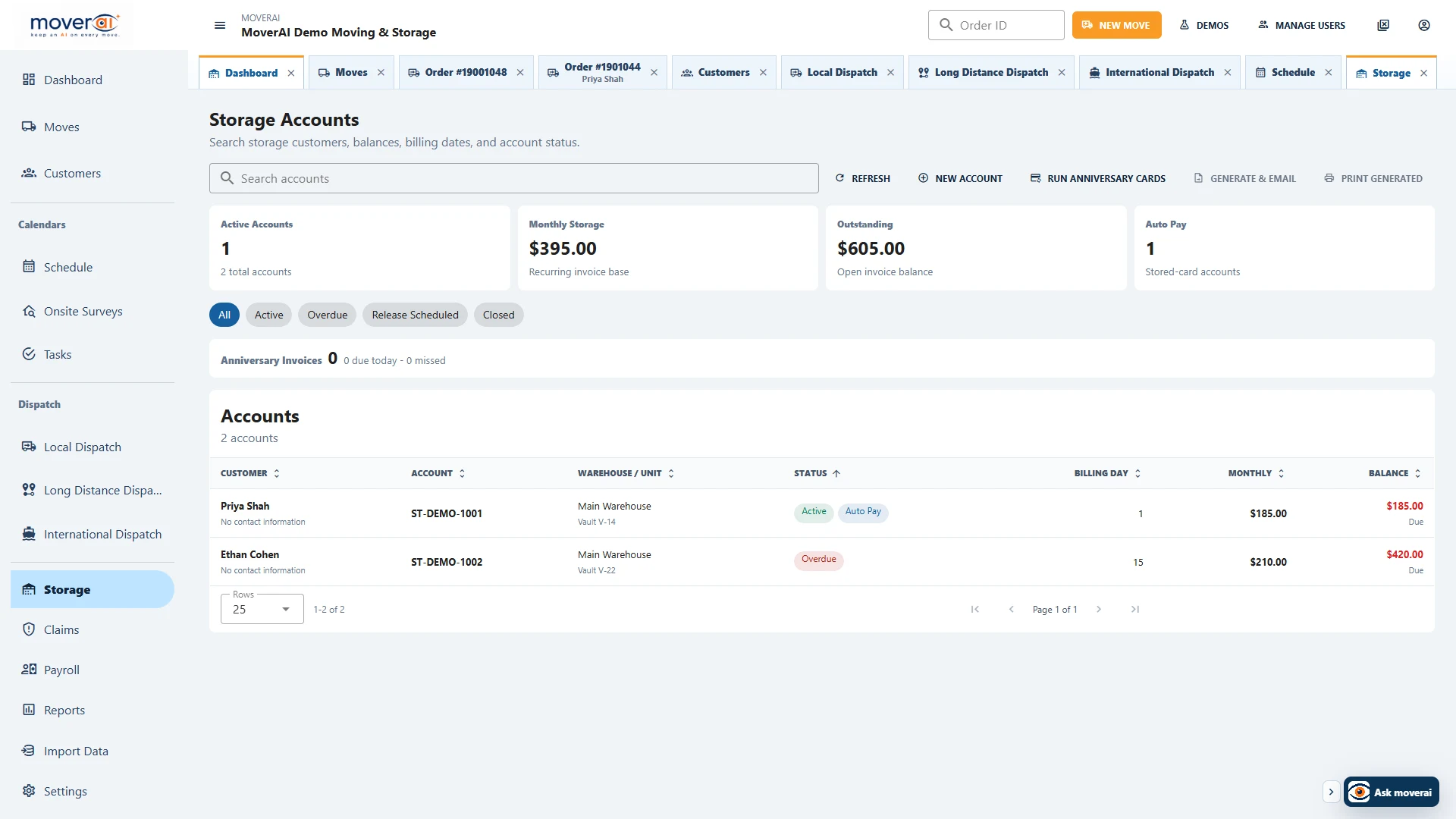
Storage accounts, inventory, billing, balances, and move activity stay connected.
Business outcomes
What changes for your team.
Find orders and items by barcode or customer
Manage photos, containers, locations, and history
Create internal transfers and connected move-outs
A realistic workflow
How moving teams use it.
A warehouse employee scans an item, reviews its photos and current vault, selects related pieces, and prepares a move-out without losing history.
Feature overview
What the feature supports.
Physical inventory from a phone
Find orders or items, scan barcodes, take photos and review container relationships from a warehouse-focused mobile workspace.
Transfers with stable identity
Selected pieces retain their tracking identity and history when moved between configured locations or into a connected move-out.
How it works
Follow the workflow.
- 1. Find or scan the physical item
- 2. Review photos and location
- 3. Choose items and destination
- 4. Confirm the transfer or move-out
What AI contributes
AI prepares the work.
AI helps explain workflows and surface relevant item and order context.
Human review boundary
Your people make the decisions.
Warehouse staff confirms identity, location, selection, destination, and transfer before submission.
Frequently asked questions
Questions about this workflow.
See the workflow
Explore the applicable Moverai demo.
See it in action
Explore Moverai in a live working environment.
No booking or sales call required. Choose a workflow and explore it immediately.