
Feature · Built for movers
Employee Expenses Connected to Moving Jobs
Record reimbursable employee and job expenses with the person, order, category, receipt context, and closeout workflow.
Inside Moverai
See the workflow in the real product.
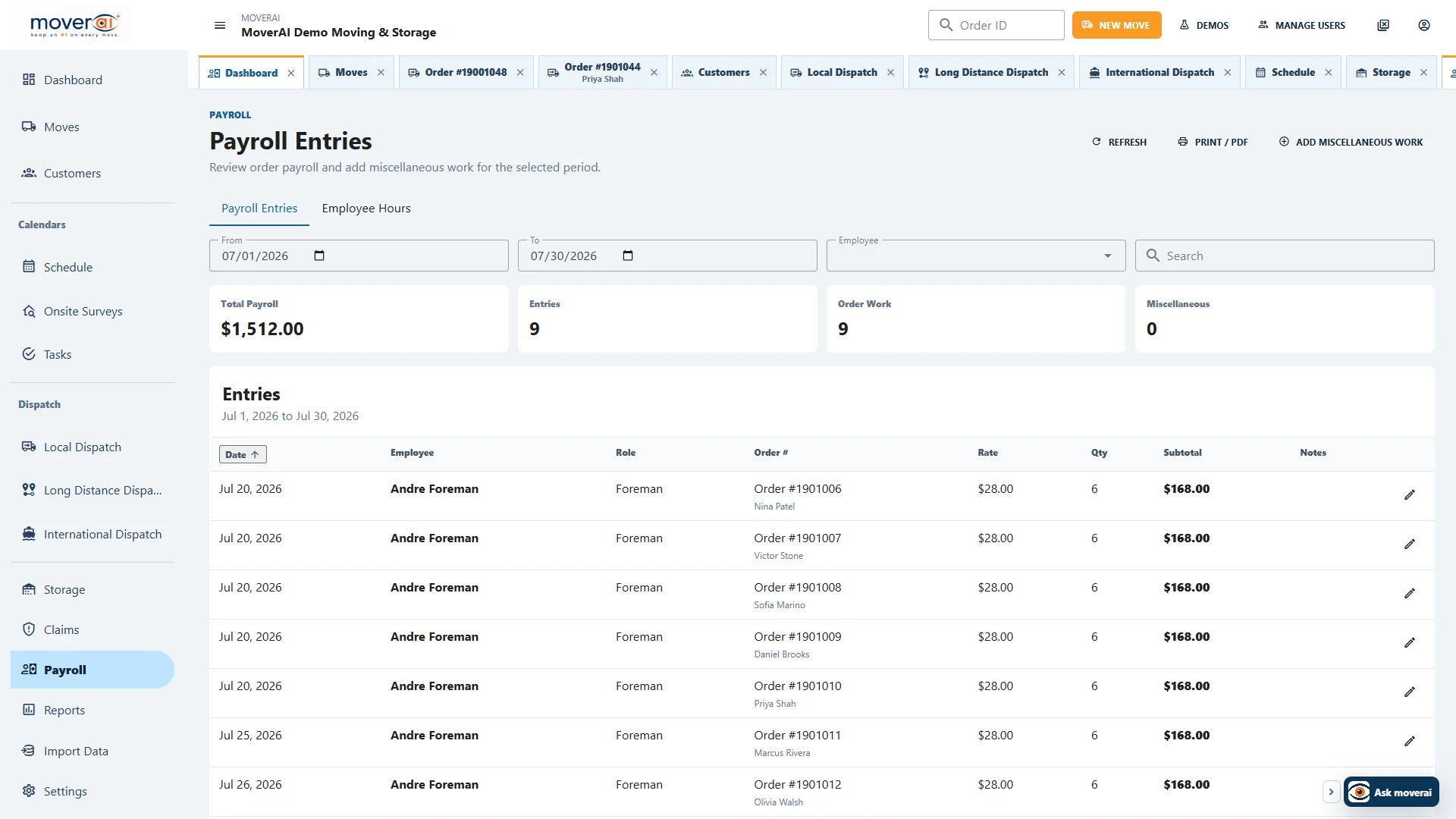
Employee Expenses Connected to Moving Jobs inside the connected Moverai workflow.
Business outcomes
What changes for your team.
Keep expenses attached to jobs and employees
Review costs before payroll or reimbursement
Retain expense context for reporting
A realistic workflow
How moving teams use it.
A foreman records a job expense; accounting reviews its order and employee context before reimbursement and closeout.
Feature overview
What the feature supports.
Expenses linked to a person and job
Record the employee, order, category, amount and supporting receipt context for reimbursable expenses.
Review before reimbursement
Accounting can inspect the job allocation and policy context before incorporating an expense into payroll or reimbursement.
How it works
Follow the workflow.
- 1. Record employee and job context
- 2. Add the expense and support
- 3. Review policy and amount
- 4. Approve reimbursement preparation
What AI contributes
AI prepares the work.
AI helps categorize and surface related job context.
Human review boundary
Your people make the decisions.
Authorized staff validates receipts, policy, amount, reimbursement, and accounting treatment.
Frequently asked questions
Questions about this workflow.
See the workflow
Explore the applicable Moverai demo.
See it in action
Explore Moverai in a live working environment.
No booking or sales call required. Choose a workflow and explore it immediately.