
Feature · Built for movers
Moving Company Settings and Configuration
Configure company identity, users, warehouses, vehicles, materials, rates, taxes, documents, notifications, and workflow rules in one controlled area.
Inside Moverai
See the workflow in the real product.
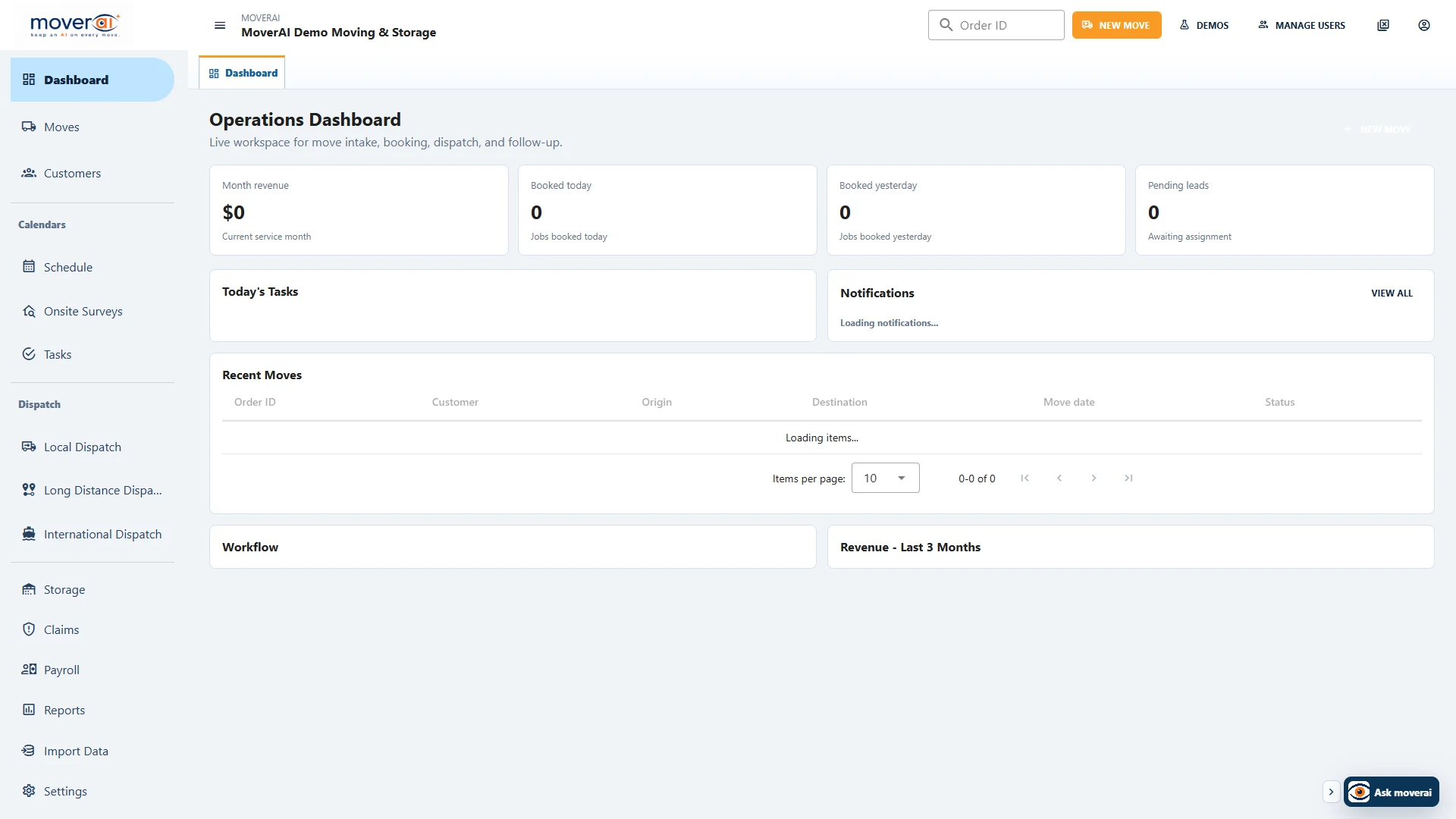
Moving Company Settings and Configuration inside the connected Moverai workflow.
Business outcomes
What changes for your team.
Centralize operational master data
Keep pricing and workflow rules consistent
Support multiple teams and locations
A realistic workflow
How moving teams use it.
An administrator adds a warehouse and vehicle, updates materials and tariff settings, and makes those choices available to the appropriate workflows.
Feature overview
What the feature supports.
Shared operating definitions
Maintain company identity, warehouses, vehicles, materials, rates, taxes and workflow rules used by the rest of the operation.
Controlled configuration changes
Review settings in company context so a changed rate, template or notification rule is deliberate.
How it works
Follow the workflow.
- 1. Review company master data
- 2. Update the relevant setting
- 3. Check workflow implications
- 4. Confirm authorized changes
What AI contributes
AI prepares the work.
AI can explain settings and help prepare supported configuration tasks.
Human review boundary
Your people make the decisions.
Authorized administrators validate every setting, rate, identity, integration, and policy change.
Frequently asked questions
Questions about this workflow.
See the workflow
Explore the applicable Moverai demo.
See it in action
Explore Moverai in a live working environment.
No booking or sales call required. Choose a workflow and explore it immediately.